
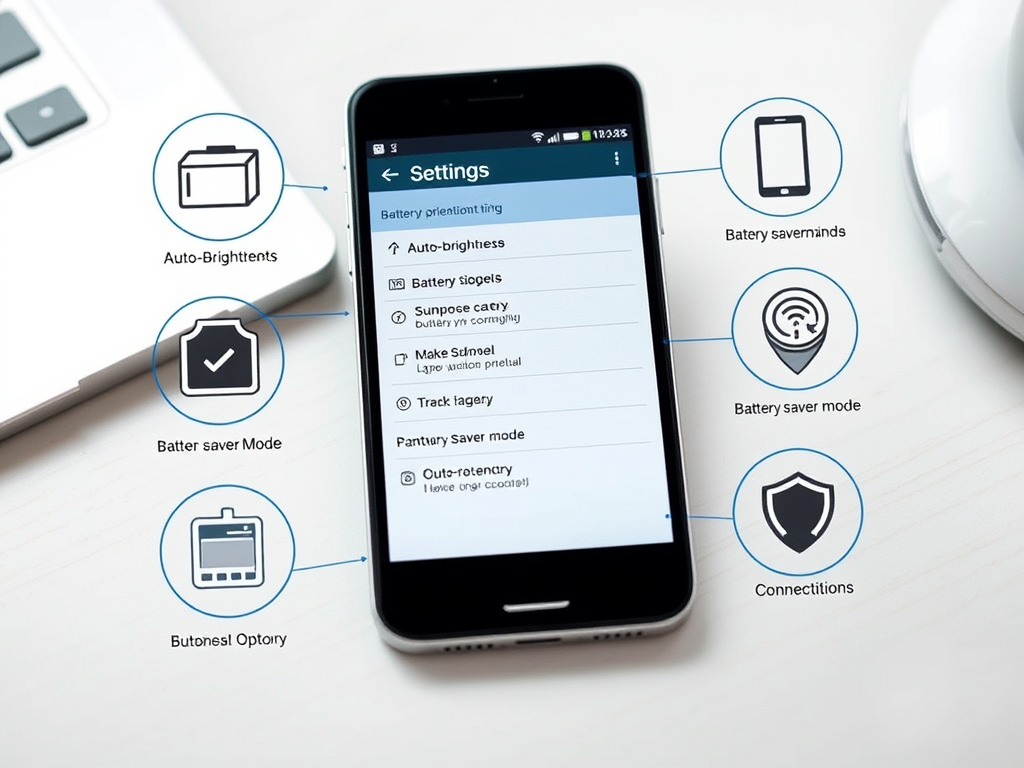
Smartphone battery life is a common concern for many users. Whether you own an Android or an iPhone, your device’s battery performance can degrade over time. However, with the right habits and settings, you can extend your smartphone’s battery life and ensure it lasts throughout the day. Here are some effective tips to improve battery performance.
1. Adjust Screen Brightness and Timeout
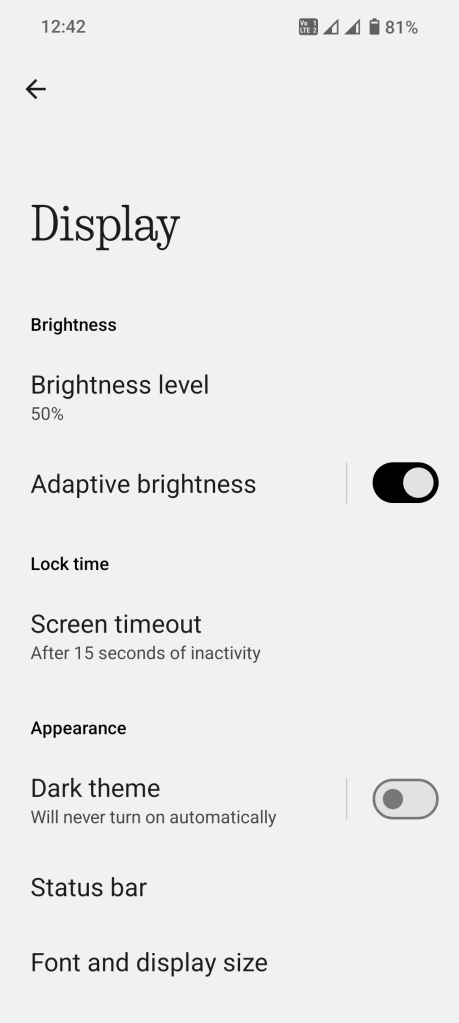
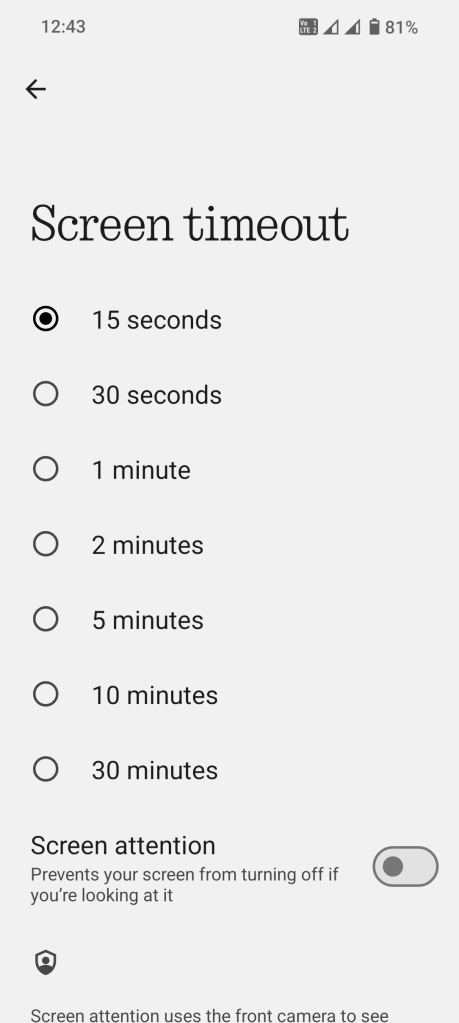
The display is one of the biggest battery drainers. To optimize battery life:
- Reduce the screen brightness or enable auto-brightness.
- Set a shorter screen timeout (30 seconds to 1 minute) to turn off the display when not in use.
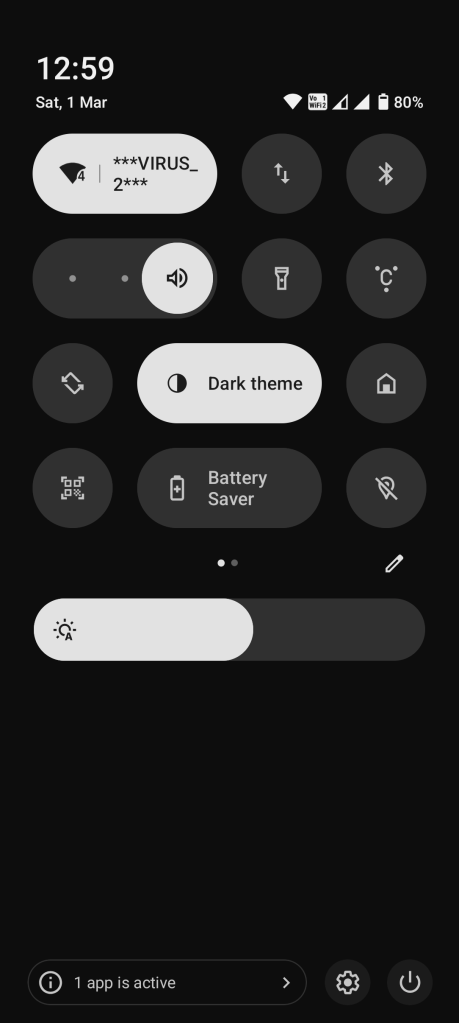
2. Enable Battery Saver Mode
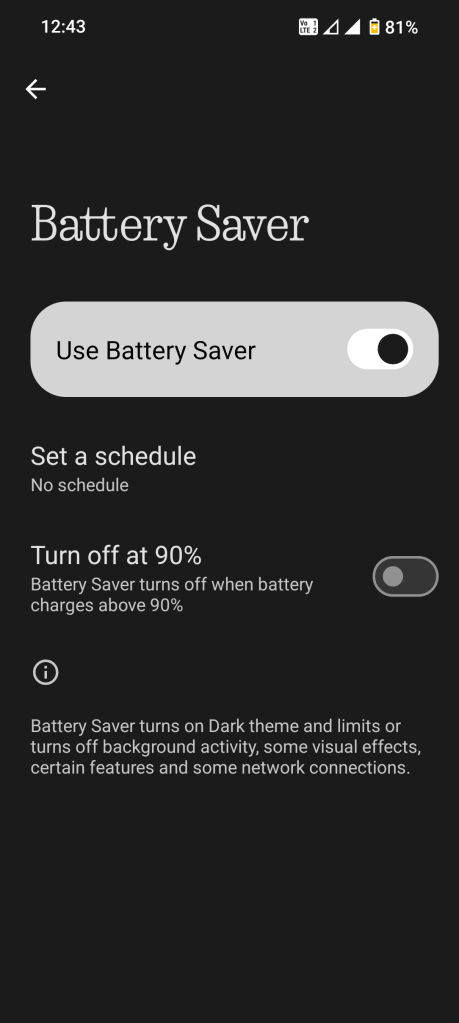
Most smartphones come with a built-in Battery Saver Mode or Low Power Mode that limits background activity and reduces power consumption. Activate this mode when your battery is running low to extend usage.
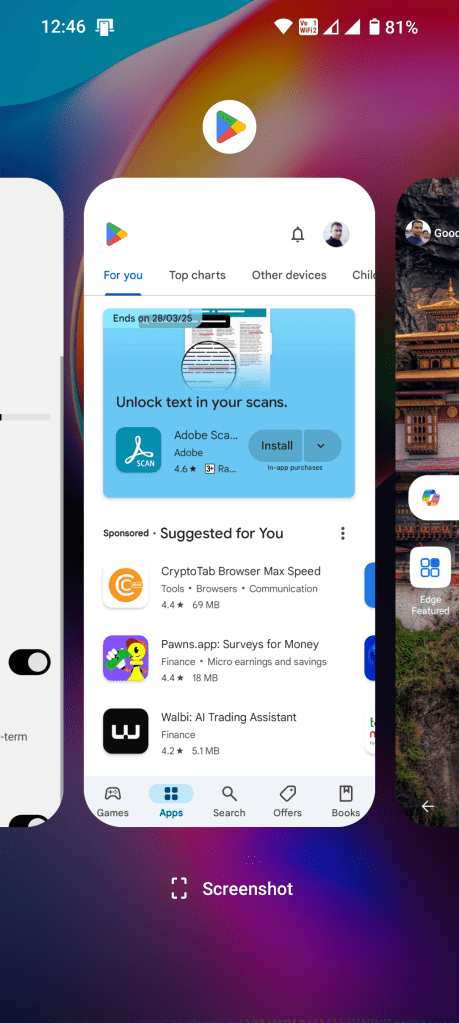
3. Manage Background Apps
Apps running in the background consume battery even when not in use. To manage this:
- Close unnecessary apps after using them.
- Disable background app refresh for apps that don’t need frequent updates.
- Use ‘Lite’ versions of apps (like Facebook Lite, Messenger Lite) for less power consumption.
4. Turn Off Unnecessary Connectivity Features
- Wi-Fi & Bluetooth: Turn off Wi-Fi and Bluetooth when not in use to prevent battery drain.
- Location Services (GPS): Keep location services disabled or set them to “While Using the App” instead of “Always On.”
- 5G/4G Mobile Data: Use Wi-Fi instead of mobile data whenever possible to conserve battery.
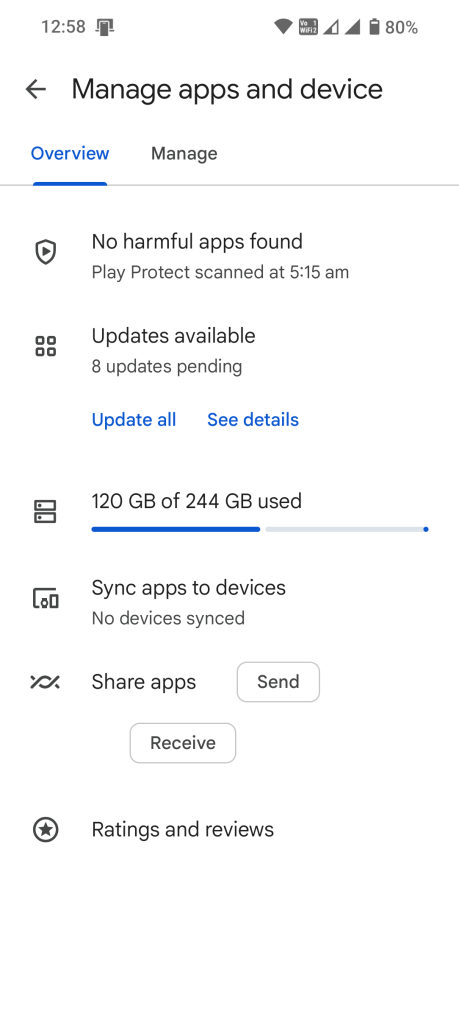
5. Update Your Apps and Software
Software updates often include battery optimizations and bug fixes. Keeping your operating system and apps updated ensures better battery management.
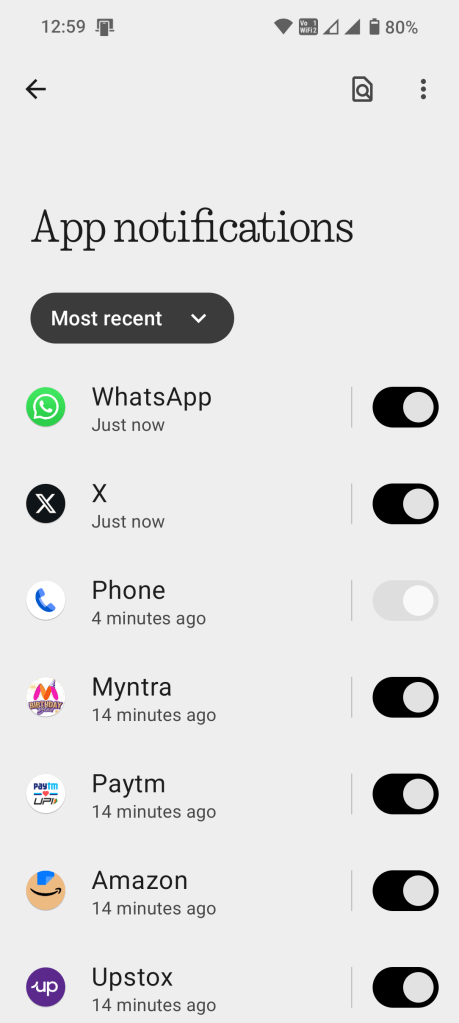
6. Reduce Notifications and Vibration
- Minimize push notifications to avoid unnecessary wake-ups.
- Disable vibration and haptic feedback, as these consume extra power.
7. Optimize Battery Charging Habits
- Avoid letting your battery drop to 0% frequently; charge it when it reaches around 20%.
- Do not overcharge; unplug the phone when it reaches 80–90% for better battery longevity.
- Use the original charger and avoid cheap third-party chargers that can damage the battery.
8. Enable Dark Mode
For OLED and AMOLED displays, enabling Dark Mode helps reduce battery consumption, especially when using apps with dark themes.
9. Use Static Wallpapers Instead of Live Wallpapers
Live wallpapers use CPU and GPU resources, leading to increased battery drain. Switch to a static wallpaper for better battery efficiency.
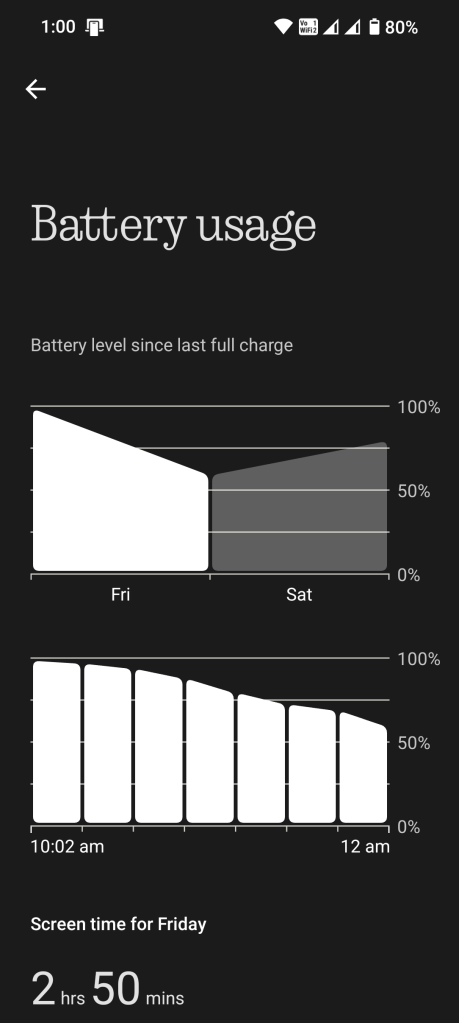
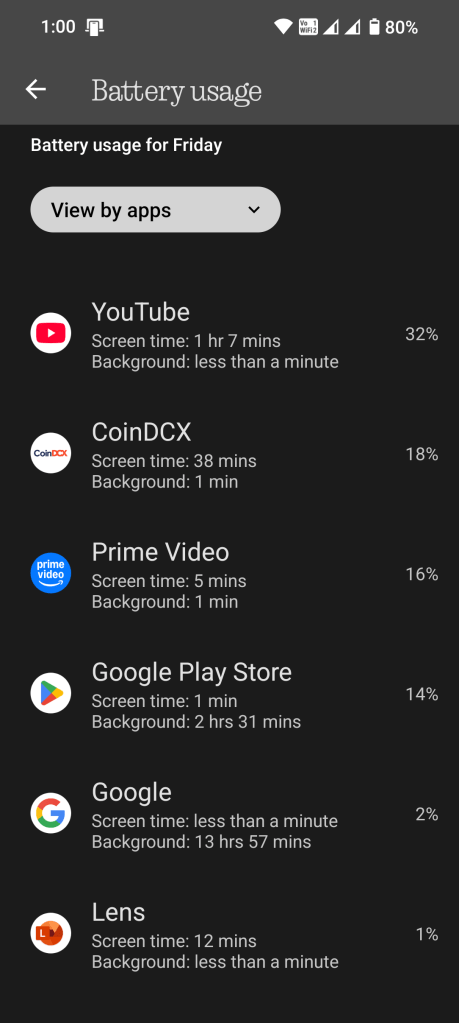
10. Monitor Battery Usage
Both Android and iOS provide detailed battery usage reports. Check which apps consume the most power and adjust your settings accordingly.
Conclusion
By implementing these tips, you can significantly enhance your smartphone’s battery life and reduce the need for frequent charging. Small changes in usage habits can lead to long-term benefits, helping your device last longer and perform better throughout the day. Try these methods today and experience improved battery performance!
What are your thoughts on these battery-saving tips? Do you have any personal tricks to extend your smartphone’s battery life? Drop a comment below and share your experience! We’d love to hear from you.



 Gadget Study
Leave a comment